
Screenshots at your interval
Choose how often screenshots are taken. Each one is stored with its time and user, so you can review a working day in minutes.
ECOMHUTSY Team Monitoring records working time from a light Windows desktop app and takes screenshots at the interval you choose, so hours on a timesheet come with evidence your team can see too.
Active and idle time, the apps and websites used, attendance and reports all sit in one web portal, shown in your company's own time zone.
$3 per user per month · minimum 2 users · 1-month free trial (card required) · free live demo
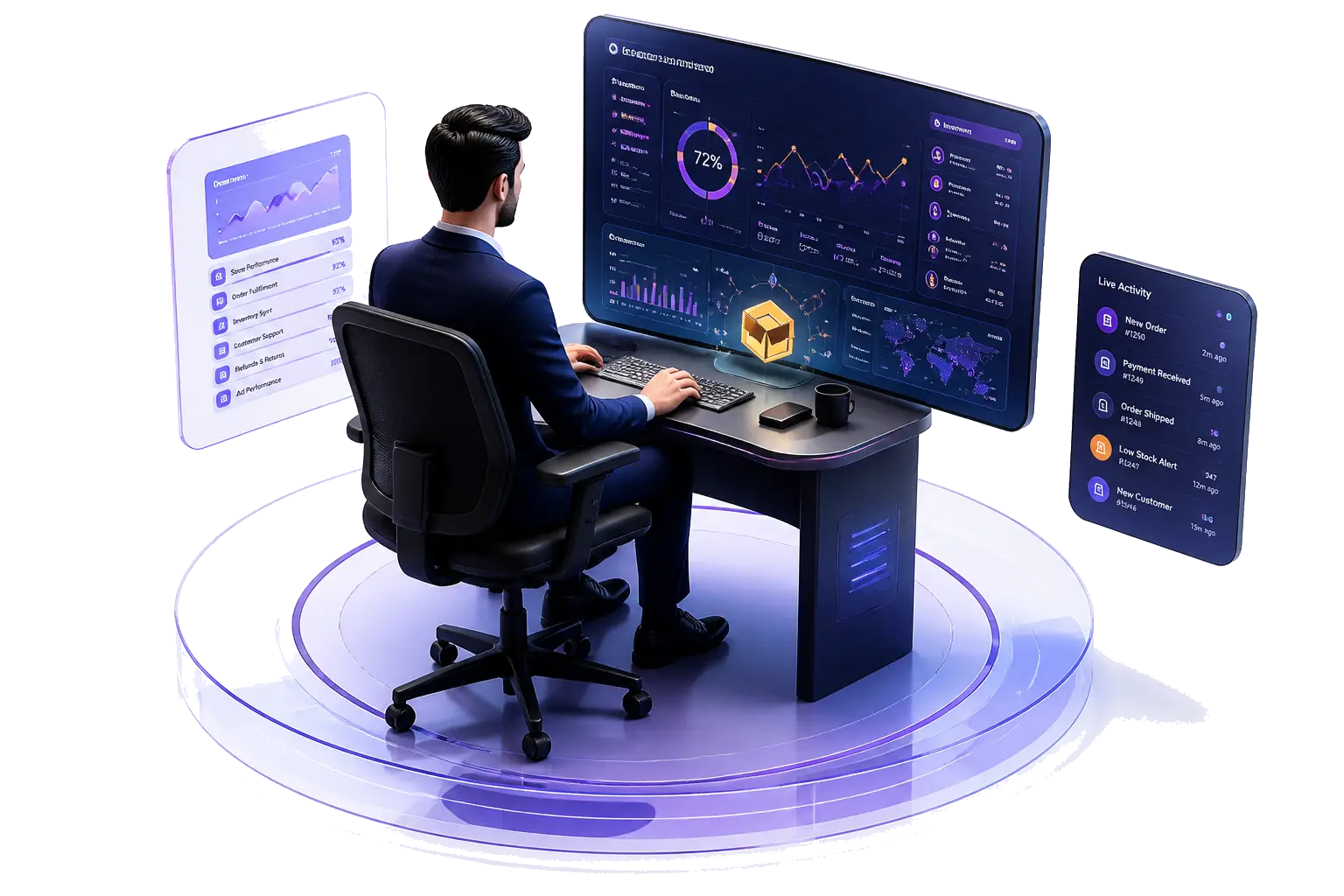
Choose how often screenshots are taken. Each one is stored with its time and user, so you can review a working day in minutes.
See how much of each tracked hour had keyboard or mouse activity, and how much was idle, instead of trusting a green online dot.
Know which tools the team actually used during working hours, so you can spot blockers and training needs.
Check-in and check-out times build an attendance record automatically, per person and per day.
A live view of who is checked in and active, useful for shift handovers and support coverage.
Daily and period reports use your company's own time zone and working hours, wherever the team sits.
Team Monitoring is built for open, agreed monitoring. Your team installs the app and checks in, so everyone knows when tracking is on. Screenshots are deleted automatically after the retention period you set (3 to 15 days), and each company's data is kept private to that company.
Roles and access control who can see what: a team lead can review their own team without seeing the whole company.
Tell the team what is recorded, why and for how long. Our free template gets you started.
Monitoring rules differ in the US, UK, UAE and Pakistan. Read the plain-language overview first.
| ECOMHUTSY Team Monitoring | |
|---|---|
| Price | $3 per user per month |
| Minimum | 2 users (an owner plus one team member) |
| Free trial | 1 month (30 days), card required |
| Screenshots | Included, at the interval you choose; kept 3–15 days |
| Desktop app | Windows |
| Live demo | Free, with our team |
You choose the interval for your company. Screenshots are taken only while a team member is checked in on the desktop app.
You choose a retention period between 3 and 15 days. After that, screenshots are deleted automatically.
Yes. Team Monitoring is transparent: each person installs the app and checks in, so tracking only runs when they have started their working day.
The desktop app runs on Windows. Managers review everything in the web portal from any browser.
$3 per user per month with a minimum of 2 users. You can start with a 1-month free trial (card required) or book a free live demo first.
Start the 1-month free trial, or book a free live demo and we'll set it up with you.