
Who is working right now?
A live view shows who is checked in and active, so handovers, support coverage and shift changes stop depending on guesswork.
When your team works from home or from another country, you can't see who is working, what they are working on, or where the hours go. ECOMHUTSY Team Monitoring gives you that view without micromanaging: working time, active and idle time, screenshots at the interval you choose, the apps and websites used, and attendance, all in one web portal.
It is built for remote and hybrid teams across time zones: every report uses your company's own working hours and time zone, wherever each person sits.
$3 per user per month · minimum 2 users · 1-month free trial (card required) · free live demo
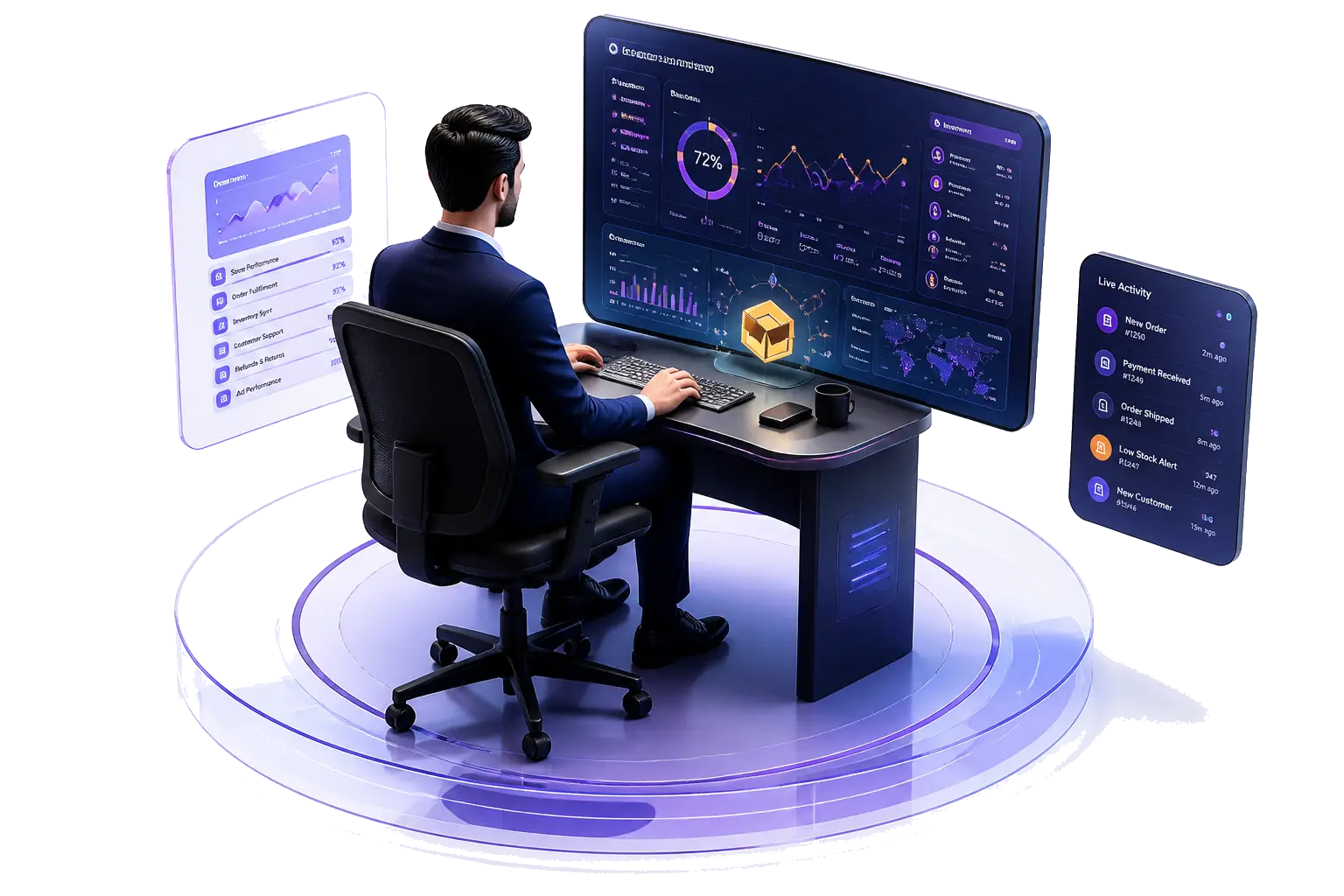
A green online dot in a chat app tells you very little. Remote teams need answers to four simple questions every day, and Team Monitoring answers them from one screen.
A live view shows who is checked in and active, so handovers, support coverage and shift changes stop depending on guesswork.
Check-in to check-out time is recorded automatically, split into active and idle time, so payroll and client billing rest on real numbers.
See the apps and websites used during working hours, and screenshots at the interval you choose, to spot blockers and training needs early.
Late starts, early check-outs and absences build an attendance record per person and per day, with no spreadsheets.
Choose how often screenshots are taken. Each one is stored with its time and user, and deleted automatically after the retention you set (3 to 15 days).
Each tracked hour shows how much had keyboard or mouse activity and how much was idle.
Know which tools the team actually used while checked in, per person and per day.
Check-in and check-out times create the attendance record automatically.
Daily and period reports follow your company's own time zone and working hours, even when the team is spread across countries.
A team lead reviews their own team without seeing the whole company. Owners and admins see everything.
Team Monitoring is designed for open, agreed monitoring. Each person installs the app and checks in, so tracking runs only during their working day and everyone knows when it is on. Screenshots are deleted automatically, and each company's data is private to that company.
Tell your team what is recorded and why before you start. Clear rules make monitoring a shared tool for fair pay and workload, not a surveillance exercise.
A free template covering what is recorded, why and for how long.
A plain-language overview of monitoring rules in the US, UK, UAE and Pakistan.
Teams working from home, from co-working spaces or across offices.
Show clients verified hours and activity for the people working on their account.
Marketplace, store and customer support teams working in shifts.
Shift attendance, active time and break tracking for larger teams.
| ECOMHUTSY Team Monitoring | |
|---|---|
| Price | $3 per user per month |
| Minimum | 2 users (an owner plus one team member) |
| Free trial | 1 month (30 days), card required |
| Screenshots | Included, at the interval you choose; kept 3–15 days |
| Active and idle time, apps and websites, attendance | Included |
| Desktop app | Windows |
| Live demo | Free, with our team |
Agree on clear rules first, then track working time, active and idle time and attendance with a tool your team knows about. Screenshots at a set interval add evidence without constant watching. Team Monitoring does all of this from one web portal.
Yes. Reports use your company's own time zone and working hours, so a team spread across countries is measured against one clear schedule.
Yes. Each person installs the app and checks in, so tracking runs only during their working day and everyone knows when it is on.
Yes. Every tracked hour shows how much had keyboard or mouse activity and how much was idle.
The desktop app runs on Windows. Managers review everything in the web portal from any browser.
$3 per user per month with a minimum of 2 users. You can start with a 1-month free trial (card required) or book a free live demo first.
Start the 1-month free trial, or book a free live demo and we'll set it up with you.