Active vs idle time explained
What counts as active, what counts as idle, and how to read the numbers fairly.
Most remote team monitoring tools take screenshots and measure idle time, but they differ on three things that decide the real cost: which plan includes screenshots, how activity is measured, and how many seats you must buy.
This page compares eight tools on exactly those points, using each vendor's own pricing page (checked October 20, 2026). Prices are per user per month in US dollars.
$3 per user per month · minimum 2 users · 1-month free trial (card required) · free live demo
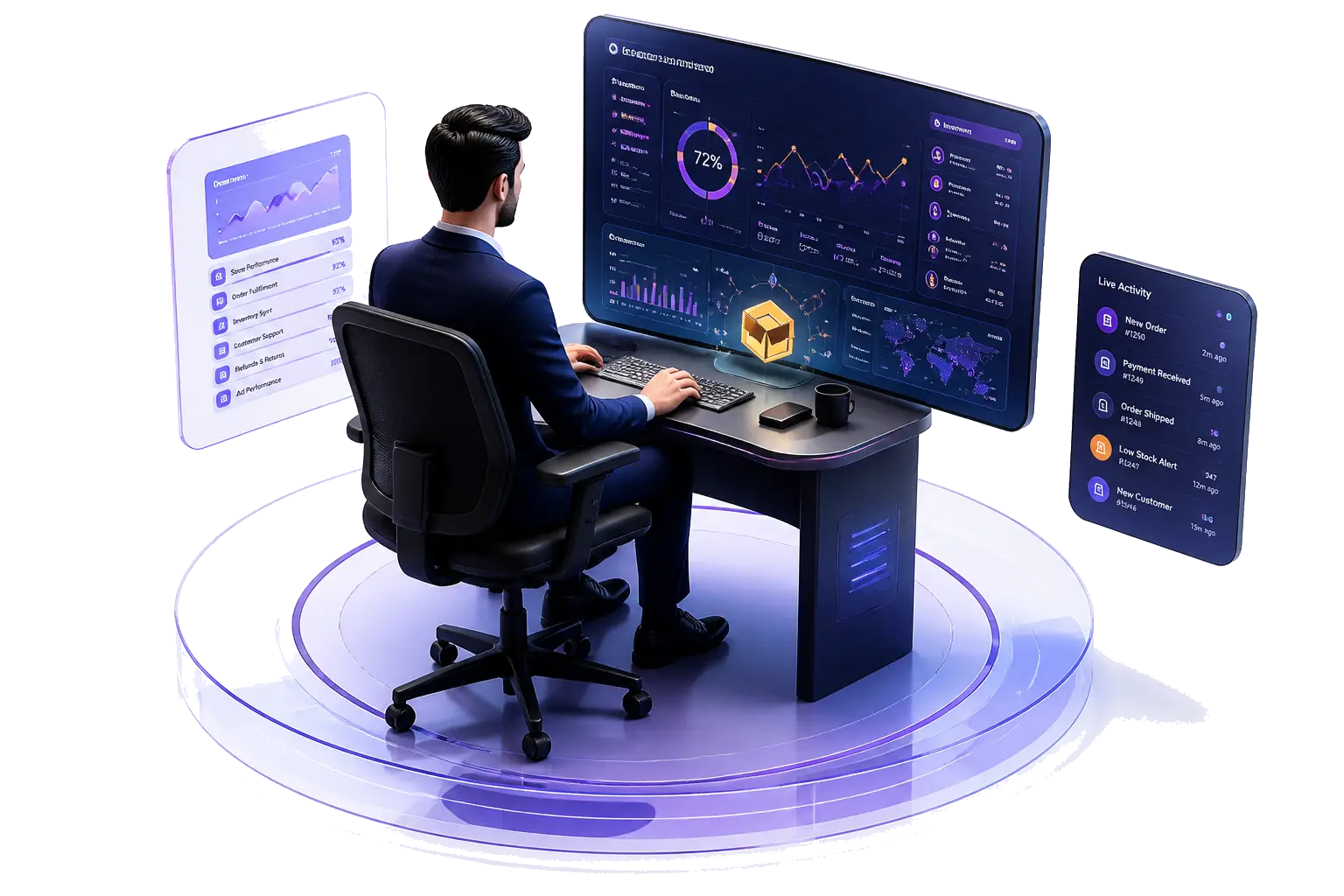
For a Windows-based remote team that needs screenshots, active and idle time, attendance and daily reports at the lowest price, ECOMHUTSY Team Monitoring costs $3 per user per month on a single plan. Hubstaff suits teams that need Mac, Linux or mobile apps. Insightful and Teramind suit teams that need very frequent capture or screen recording. Clockify suits teams that only need timesheets.
Disclosure: ECOMHUTSY makes Team Monitoring. Every competitor fact below links to that vendor's own page so you can check it.
| Tool | Lowest plan with screenshots | Price of that plan | Capture options published | Retention published |
|---|---|---|---|---|
| ECOMHUTSY Team Monitoring | Single plan | $3 monthly | At an interval the company chooses | Deleted automatically after 3, 5, 7, 10 or 15 days |
| Hubstaff | Team (lowest plan listing unlimited screenshots) | $12 monthly / $10 annual | Optional; set at role, project or organisation level | Not stated |
| Time Doctor | Basic | $8 monthly / $6.67 annual | Screenshots from Basic; app and web usage from Standard ($14) | Not stated |
| Insightful | Workforce Analytics | $8, billed annually | Included; on-demand +$4, up to 120 per hour +$3, screen recording +$4 | Not stated |
| DeskTime | Premium | $9.17, billed annually (excl. VAT) | Listed in Premium | Not stated |
| ActivTrak | Work Activity Tracking + Screen Details add-on | $10, annual only, plus add-on (price not published) | Add-on on the $10 and $15 plans | 6 months of data history on those plans |
| Teramind | Starter | $14, billed annually, 5-seat minimum | Visual evidence capture and live playback; session recording from UAM ($28) | Not stated |
| Clockify | Not stated | — | Activity-monitoring agent from Pro ($9.99); screenshots not mentioned | — |
Headline prices hide minimum seats, annual-only billing and add-ons. The table shows the entry price, how it is billed and the seat minimum where the vendor publishes one.
| Tool | Plans (per user per month) | Billing | Minimum seats | Free option |
|---|---|---|---|---|
| ECOMHUTSY Team Monitoring | $3, one plan | Monthly | 2 | 1-month free trial (card required) |
| Hubstaff | Starter $7, Grow $9, Team $12, Enterprise $25 | Monthly; annual $4.99 / $7.50 / $10 / $25 | 2 (paid plans) | 14-day trial, no card |
| Time Doctor | Basic $8, Standard $14, Premium $20 | Monthly; annual $6.67 / $11.67 / $16.70 | Not stated | 14 days of Premium |
| Insightful | $8, $12 (beta), $16 combo | Billed annually; month-to-month on select plans | Not stated | 7-day trial |
| DeskTime | Pro $6.42, Premium $9.17 | Annual billing, excl. VAT | Not stated | 14-day trial |
| ActivTrak | Free; $10, $15, $17, $21 | Annual only | Free plan up to 3 workers | Free plan (3 workers) |
| Teramind | Starter $14, UAM $28, DLP $32 | Billed annually | 5 | Trial offered |
| Clockify | Free; $4.99, $6.99, $9.99, $14.99 | Monthly; annual $3.99 / $5.49 / $7.99 / $11.99 | Free plan up to 5 users | Free plan |
Idle time is the share of tracked time with no keyboard or mouse activity. It is the most useful single signal for remote teams, because it separates a computer that is merely switched on from real work, without anyone watching a screen.
Look for three things: idle time shown per hour (not only per day), a clear active versus idle split in reports, and the same rules applied to everyone. ECOMHUTSY Team Monitoring shows active and idle time for each tracked hour and adds them into daily and period reports.
What counts as active, what counts as idle, and how to read the numbers fairly.
How interval screenshots work and how to set a sensible interval and retention.
| Your situation | Look at |
|---|---|
| Windows-based remote team, budget-sensitive, needs screenshots, attendance and daily reports | ECOMHUTSY Team Monitoring ($3) |
| Need tracking on Mac, Linux or mobile | Hubstaff (lists Mac, Windows, Linux, iOS and Android apps) |
| Need very frequent capture or screen recording | Insightful add-ons, Teramind |
| Need insider-risk investigation and session video | Teramind UAM |
| Need timesheets without screenshots | Clockify |
All competitor facts were taken from each vendor's own page and checked on October 20, 2026. Prices and plans change; confirm on the vendor's page before buying.
Among the tools compared here, ECOMHUTSY Team Monitoring has the lowest price that includes screenshots: $3 per user per month on one plan, with a minimum of 2 users. Time Doctor Basic ($8 monthly) and Insightful ($8, billed annually) are the next lowest that list screenshots.
Time-and-activity tools such as ECOMHUTSY Team Monitoring, Hubstaff, Time Doctor, Insightful, DeskTime and ActivTrak report activity levels or active versus idle time. Check how each one defines idle and whether it is shown per hour.
Some do. Hubstaff lists Mac, Windows, Linux and mobile apps. ECOMHUTSY Team Monitoring's desktop app runs on Windows; managers use the web portal from any browser.
In most places it is allowed when employees are told what is recorded and why, but the rules differ by country. Read our plain-language overview for the US, UK, UAE and Pakistan and get local legal advice for your situation.
Each fact comes from the vendor's own pricing or help page, checked on October 20, 2026, and is linked in the sources list. ECOMHUTSY makes Team Monitoring, which is why every competitor claim is linked.
Start the 1-month free trial, or book a free live demo and compare it on your own workflow.