Active time
Time in the working day with keyboard or mouse activity on the tracked computer.
A computer that is switched on is not the same as work being done. ECOMHUTSY Team Monitoring splits every tracked hour into active time, when there was keyboard or mouse activity, and idle time, when there was none.
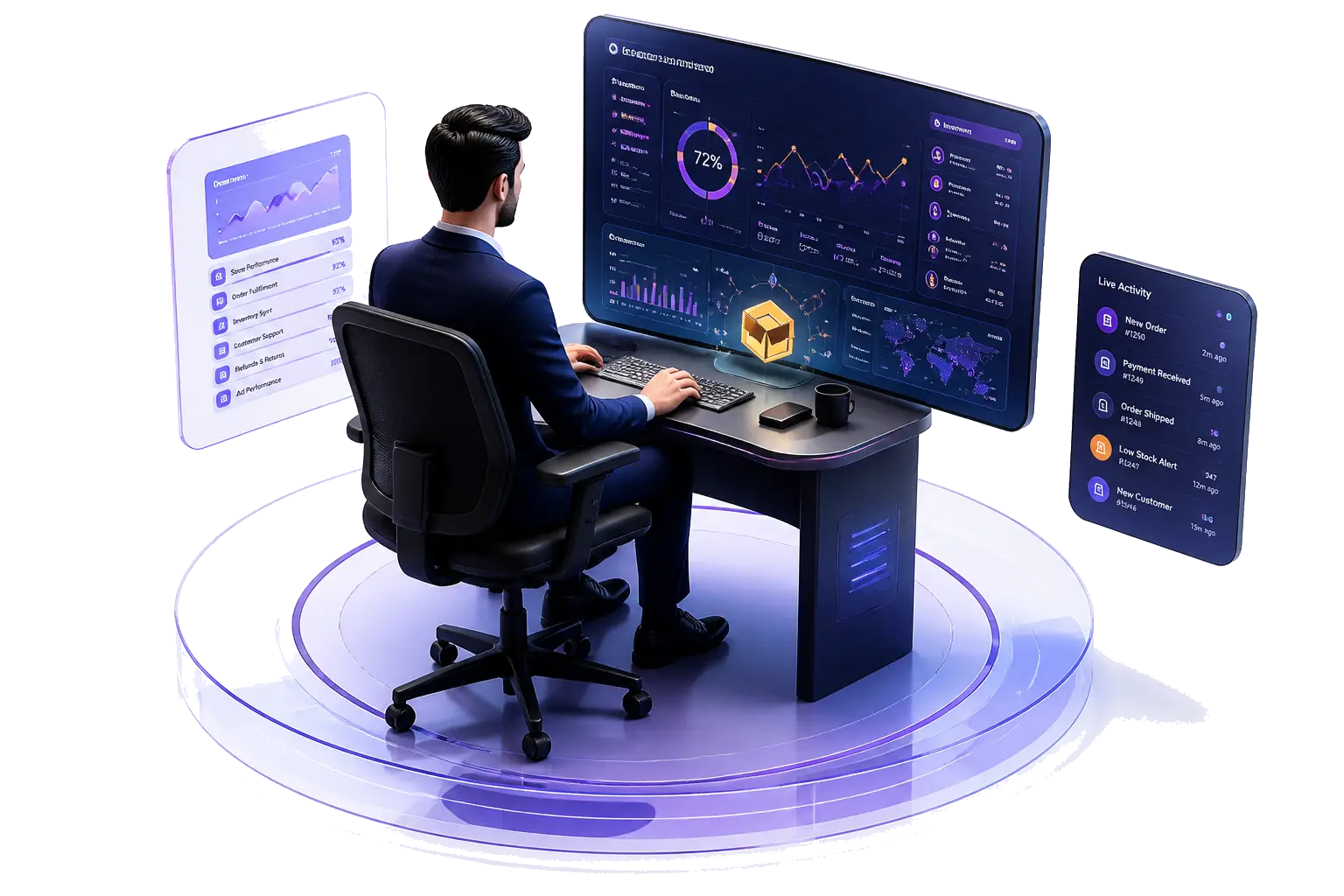
Managers see the split per person, per hour and per day, so long idle stretches, missed handovers and overloaded people show up early, without anyone watching a screen.
$3 per user per month · minimum 2 users · 1-month free trial (card required) · free live demo
Time in the working day with keyboard or mouse activity on the tracked computer.
Time with no keyboard or mouse activity, shown separately so it never inflates worked hours.
Each tracked hour shows its own active and idle split, so you can see when in the day idle time happens.
Hours add up into daily and period reports for payroll, client billing and workload planning.
Apps and websites used, and screenshots at the interval you choose, help explain an idle period before anyone draws conclusions.
Every person is measured against your company's working hours and time zone.
Not all work happens at the keyboard. Calls, meetings, reading printed documents and thinking through a problem can all show as idle. Use idle time to start a conversation, not to dock pay automatically.
Look at trends across the week, compare similar roles with each other, and agree in writing which activities are expected away from the keyboard.
What counts as active, what counts as idle and how to read the numbers.
A free template covering what is recorded, why and for how long.
| ECOMHUTSY Team Monitoring | |
|---|---|
| Price | $3 per user per month |
| Minimum | 2 users (an owner plus one team member) |
| Free trial | 1 month (30 days), card required |
| Active and idle time | Included, for every tracked hour |
| Attendance, apps and websites, screenshots | Included |
| Desktop app | Windows |
Idle time tracking measures the part of the working day when a computer had no keyboard or mouse activity, and shows it separately from active time.
Time with keyboard or mouse activity on the tracked computer counts as active; time without it counts as idle. ECOMHUTSY Team Monitoring shows both for every tracked hour.
We recommend using it as context, not as an automatic deduction. Calls, meetings and reading can show as idle. Agree your rules in writing first.
Yes. Each person installs the app and checks in, so tracking runs only during their working day and everyone knows when it is on.
$3 per user per month with a minimum of 2 users, with attendance, apps and websites and screenshots included. Start with a 1-month free trial (card required).
Start the 1-month free trial, or book a free live demo and we'll set it up with you.