

Check-in and check-out
The exact start and end of each working day is recorded when the team member checks in and out on the app.
Paper registers, spreadsheets and "I'm online" messages break down as soon as a team grows, works shifts or works from home. ECOMHUTSY Team Monitoring records attendance automatically: each person checks in on the desktop app, and check-in and check-out times build a daily attendance record with no manual entry.
Because attendance sits next to active and idle time, you see not only that someone checked in, but that the shift was actually worked, in your company's own time zone and working hours.
$3 per user per month · minimum 2 users · 1-month free trial (card required) · free live demo
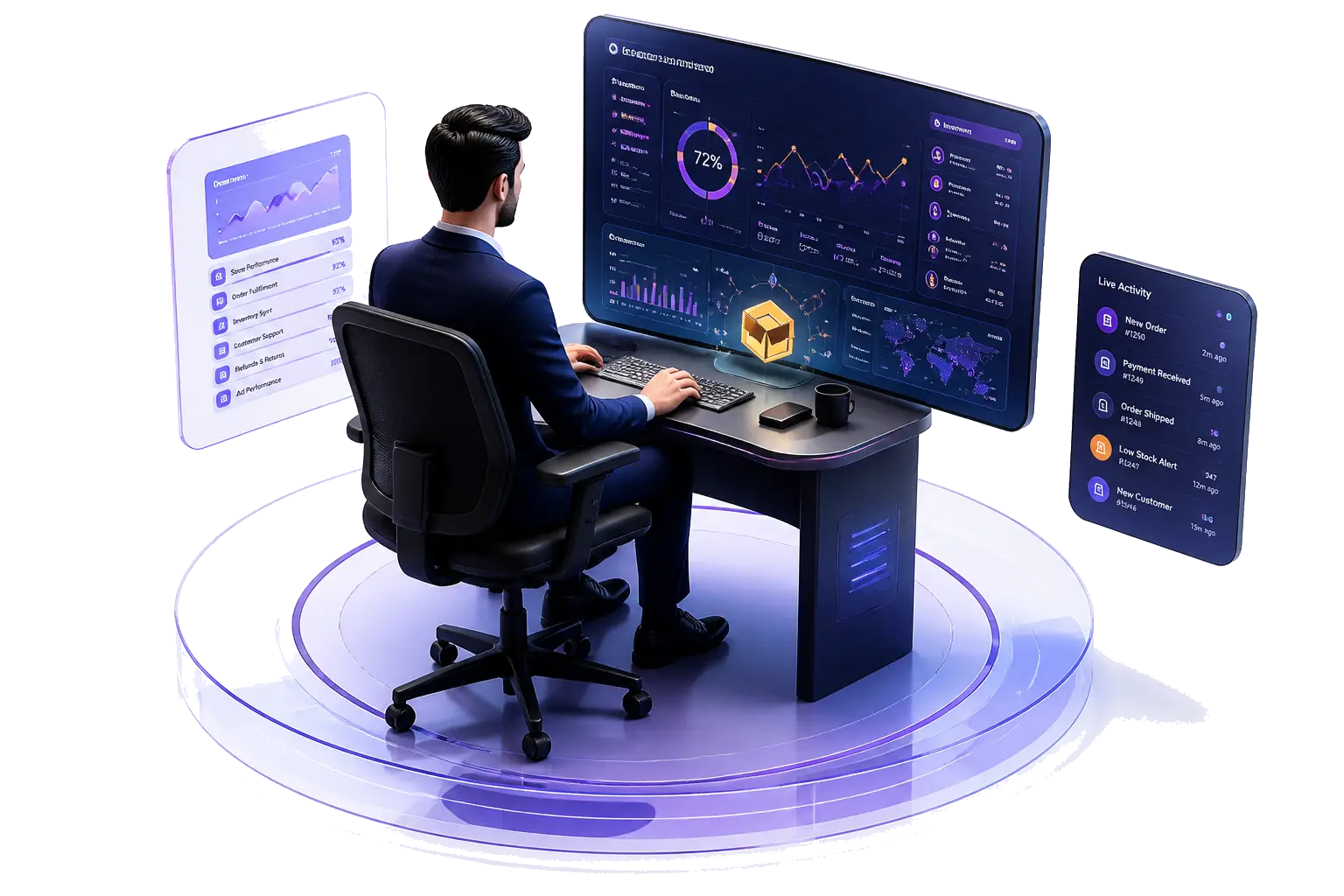
The exact start and end of each working day is recorded when the team member checks in and out on the app.
Compare check-in and check-out against your company's working hours to see late starts and early check-outs per person and per day.
If no one checks in by your check-in cutoff, the day is marked absent automatically, so no one has to keep a register.
Each tracked hour shows how much had keyboard or mouse activity and how much was idle, so a check-in is backed by real work.
A live view shows who is checked in and active, for shift handovers and support coverage.
Attendance, hours and activity add up into daily and period reports for payroll and client billing.
| Spreadsheet or register | ECOMHUTSY Team Monitoring | |
|---|---|---|
| How attendance is captured | Typed in by staff or a manager | Recorded from check-in and check-out on the app |
| Proof the shift was worked | None | Active and idle time for every tracked hour |
| Remote and hybrid staff | Relies on messages and trust | Same record wherever the person works |
| Time zones | Converted by hand | Your company's own time zone and working hours |
| Payroll-ready totals | Calculated by hand | Daily and period reports |
| Optional screen evidence | No | Screenshots at your interval, deleted after 3–15 days |
One attendance record for people at home, in the office or in another country.
A shift that runs past midnight counts as one shift, dated by the day it starts, so night teams are counted correctly.
Shift attendance and availability for larger teams that must cover set hours.
Show clients verified hours and attendance for the people working on their account.
| ECOMHUTSY Team Monitoring | |
|---|---|
| Price | $3 per user per month |
| Minimum | 2 users (an owner plus one team member) |
| Free trial | 1 month (30 days), card required |
| Attendance, check-in and check-out | Included |
| Active and idle time, apps and websites, screenshots | Included |
| Desktop app | Windows |
| Live demo | Free, with our team |
Each team member checks in on the desktop app at the start of the day and checks out at the end. Those times build the attendance record automatically, and active and idle time during the day show that the shift was actually worked.
Yes. The record is the same wherever the person works, and it uses your company's own time zone and working hours.
Yes. Check-in and check-out times can be compared with your working hours to see late starts and early check-outs, and a day with no check-in by the cutoff is marked absent automatically.
Yes. A shift that runs past midnight, such as 8 PM to 5 AM, counts as one shift dated by the day it starts.
The desktop app runs on Windows. Managers review attendance in the web portal from any browser.
$3 per user per month with a minimum of 2 users, with attendance, activity and screenshots included. You can start with a 1-month free trial (card required) or book a free live demo.
Start the 1-month free trial, or book a free live demo and we'll set it up with you.