

By Moneer Hussain · Published September 10, 2026 · 7 min read
If you run sellers, VA teams, or branch staff across time zones, “Are they working?” stops being a soft question. It becomes an operations problem: missed shifts, idle hours that look like productivity, and no shared evidence when something goes wrong.
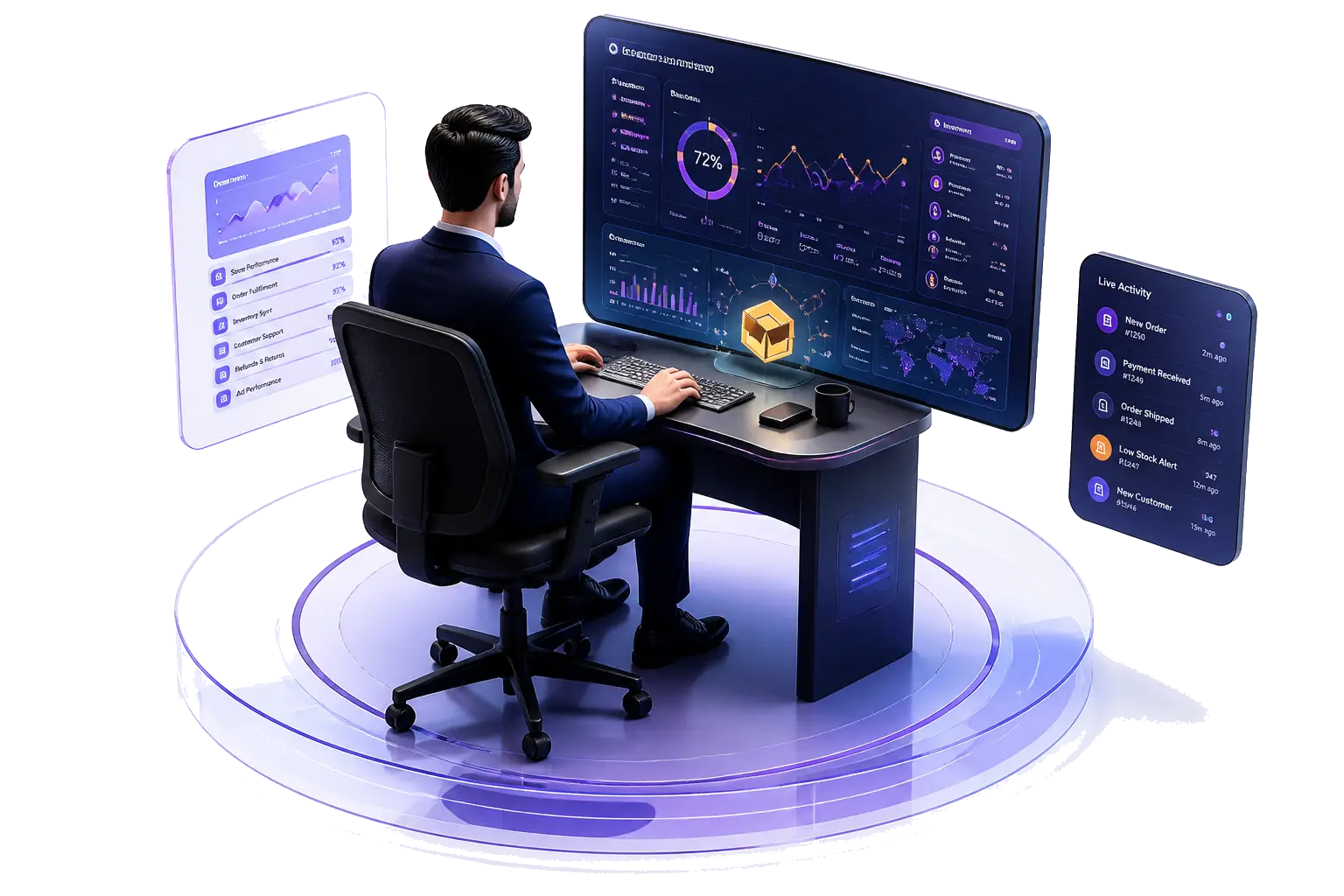
Team monitoring software gives managers a single workplace view of who is online, how long people worked, which apps and websites were in focus, and optional screenshot evidence — without chasing status updates in chat.
Launch offer
ECOMHUTSY Team Monitoring: $3 per user per month, 1-month free trial
See the live product walkthrough, privacy policy, and trial options on the product page.
Open Team Monitoring →What Team Monitoring tracks
ECOMHUTSY Team Monitoring is built for day-to-day workforce visibility inside an e-commerce operation. Typical modules include:
- Online / offline status — who is present on the portal or desktop agent right now.
- Attendance — portal check-in compared with desktop-tracked hours.
- Screenshots — timed screen evidence on an interval you configure (for example every few minutes up to hourly).
- Activity pulse — active, idle, or locked time during duty hours.
- Web & App usage — which applications and websites were used, and for how long.
- Team chat + AI support — coordination and in-product help without leaving the workspace.
How web and app duration works
The Web/App view is designed to answer a simple management question: which tools were used, and for how long? The desktop agent records focus time on applications and websites during configured duty hours — independent of whether someone punched in on the portal. If the agent is not installed, that usage timeline will stay empty until it is.
Screenshots and retention (short version)
Screenshot capture is optional and schedule-driven. Administrators choose an interval and a retention window in days so older captures roll off according to policy. For the full product notice — including when recording happens, access controls, and workforce notice expectations — read the Team Monitoring Privacy & Data Policy.
Who it is for
Team Monitoring fits operations leads, seller managers, and agency owners who need accountability across remote or multi-branch teams — especially when marketplace work depends on people being present during the right windows.
See it in action
We published a short corporate product demo (voiceover, music, captions) on the Team Monitoring page. Watch it with sound on, then book a demo if you want the flash-sale pricing locked in.
https://ecomhutsy.com/products/team-monitoring
Ready to monitor smarter?
Launch price: $3 per user per month with a 1-month free trial. Jump to the product page to watch the demo and start a conversation.
Go to Team Monitoring